How to configure policy in fortigate firewall
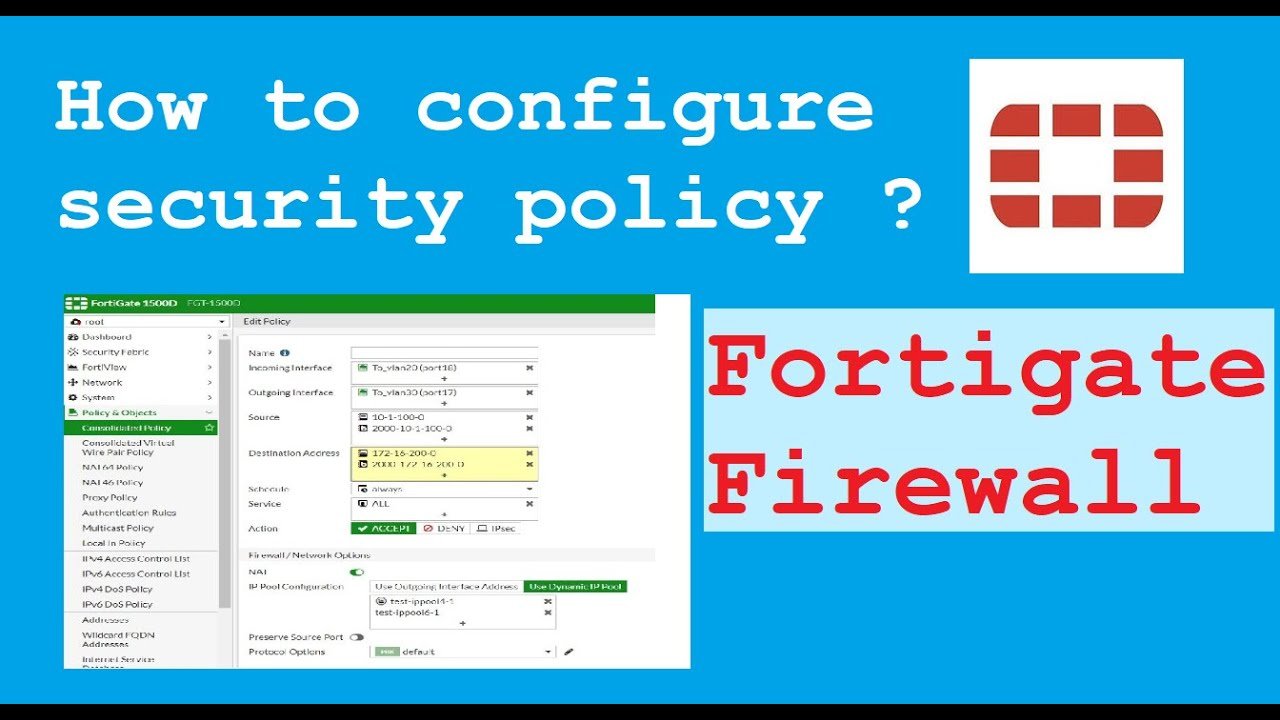
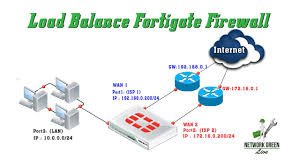
Fortinet firewall policies are configured under Policy & Objects > Firewall Policy to control traffic based on source, destination, service, and action (Accept/Deny). Key settings include defining incoming/outgoing interfaces (e.g., LAN to WAN), enabling NAT for internet access, and applying security profiles. Policies are stateful, requiring explicit rules to permit traffic. Fortinet firewall policies are configured under Policy & Objects > Firewall Policy to control traffic based on source, destination, service, and action (Accept/Deny). Key settings include defining incoming/outgoing interfaces (e.g., LAN to WAN), enabling NAT for internet access, and applying security profiles. Policies are stateful, requiring explicit rules to permit traffic.
Steps to Configure a Firewall Policy (GUI)
- Create New Policy: Navigate to Policy & Objects > Firewall Policy and click Create New.
- Name and Interfaces: Enter a descriptive name, set the Incoming Interface (e.g., internal LAN) and Outgoing Interface (e.g., WAN/Internet).
- Source/Destination/Service: Define the traffic source (e.g., LAN subnet), destination (e.g., All for internet), and services (e.g., HTTP, HTTPS, DNS or ALL).
- Action: Set to ACCEPT to allow traffic or DENY to block it.
- NAT: Enable NAT (Network Address Translation) to translate internal IP addresses to the public WAN IP.
- Security Profiles: Enable security features like AntiVirus, Web Filtering, and Application Control to inspect allowed traffic.
- Logging: Set logging to Log Allowed Traffic and select All Sessions to monitor activity.
- Enable Policy: Ensure the Enable this policy toggle is on, then click Save.
Important Considerations
- Implicit Deny: FortiGate denies all traffic by default if it does not match an explicit policy.
- Policy Ordering: Policies are processed from top to bottom; the first match wins.
- Static Route: Ensure a default static route (0.0.0.0/0) is configured in Network > Static Routes to allow traffic to exit the WAN interface.